What it does
Highlights passages that closely match text in your uploaded brief, readings, and notes—helping you paraphrase, cite, or revise.
Similarity check
Mindgrads compares your draft to files in your project library only, so you can revise with clearer context. Use your institution's official checker for formal originality reports.
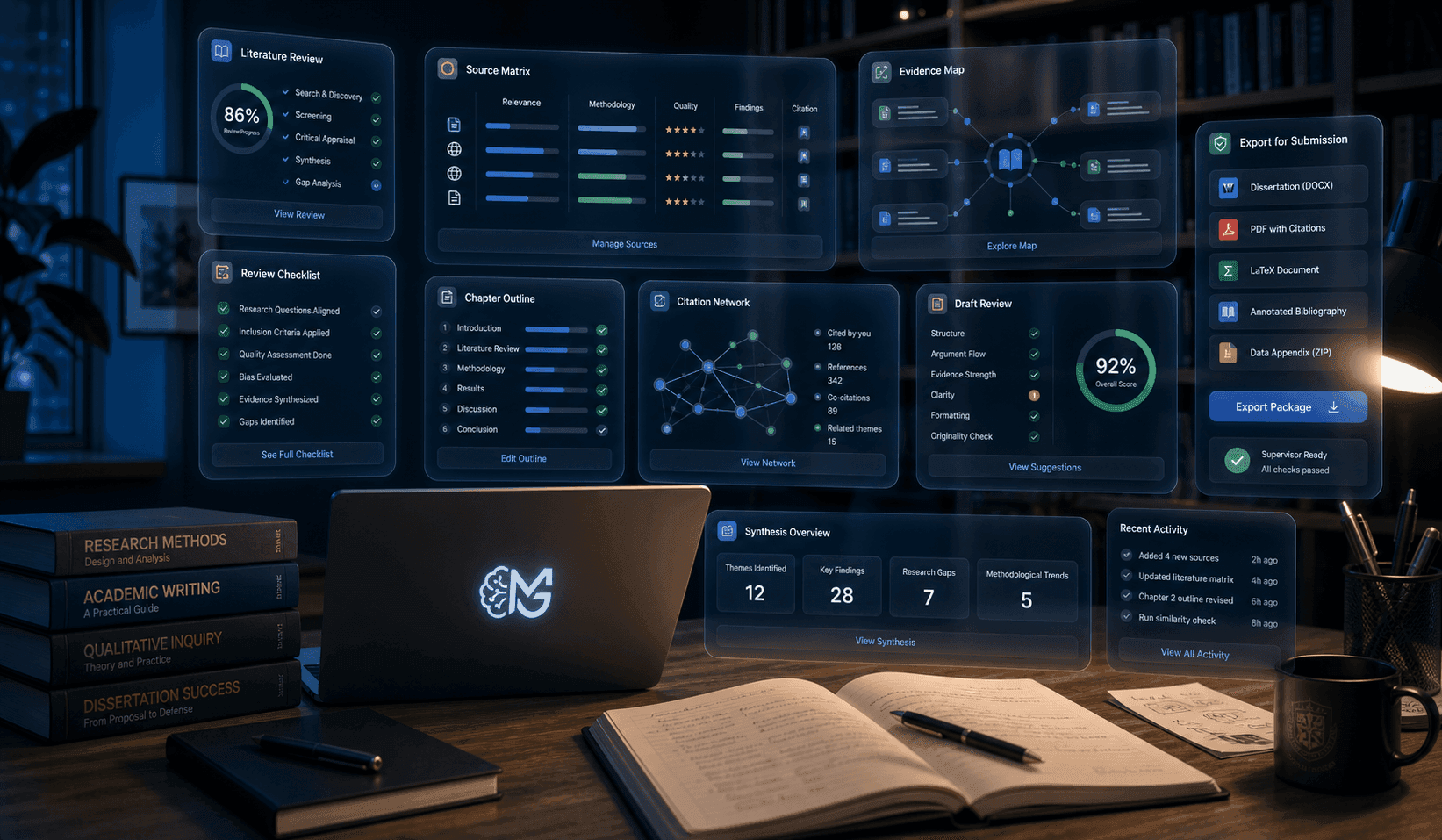
Mindgrads similarity preview compares your draft to your own uploaded sources only. It is not connected to institutional originality databases or third-party originality reports. Always use your institution's official checker and follow its AI-use rules before finalizing any work.
Transparency
Similarity preview is scoped to your project library—private, source-grounded, and under your control.
Highlights passages that closely match text in your uploaded brief, readings, and notes—helping you paraphrase, cite, or revise.
It does not access institutional originality databases, student paper repositories, or third-party originality reports.
Before export, when you want a private preview against your own uploaded source set.
Mindgrads is a drafting aid. Follow your institution's policies on AI use and submission requirements.
Product promise
Use Mindgrads for a private draft check against your own uploaded sources. Use your institution's checker for formal originality reporting.
Explore more
Ready workspace
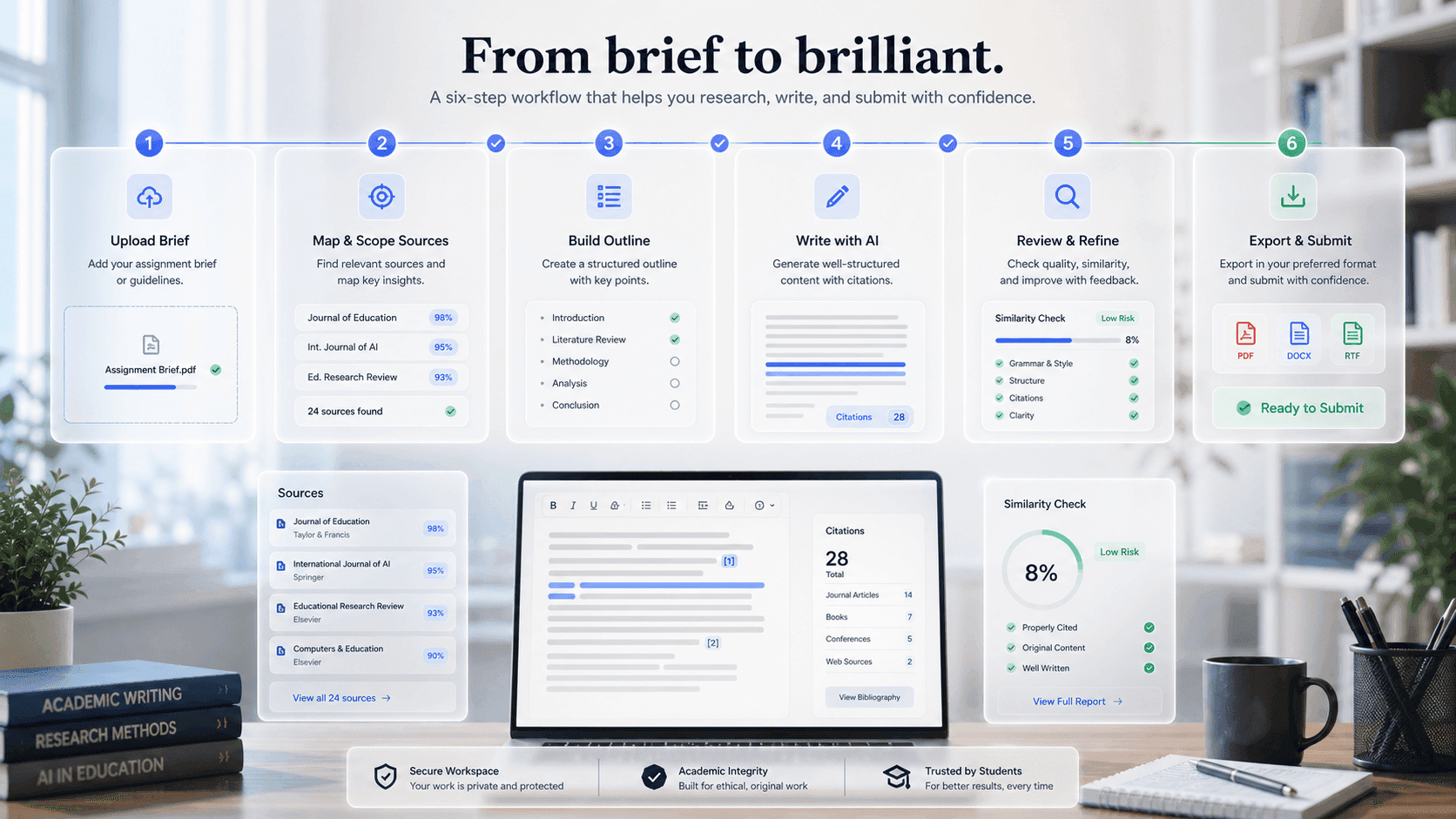
Mindgrads keeps planning, source context, writing support, review, and export in one visible path.