
Step 01
Upload your brief
Add the assignment brief, rubric, deadline, and marking criteria so requirements stay attached to the workspace.
How it works
Mindgrads follows your assignment lifecycle: understand the brief, index sources, propose structure, work with control, manage citations, review uploaded-source similarity, and export.
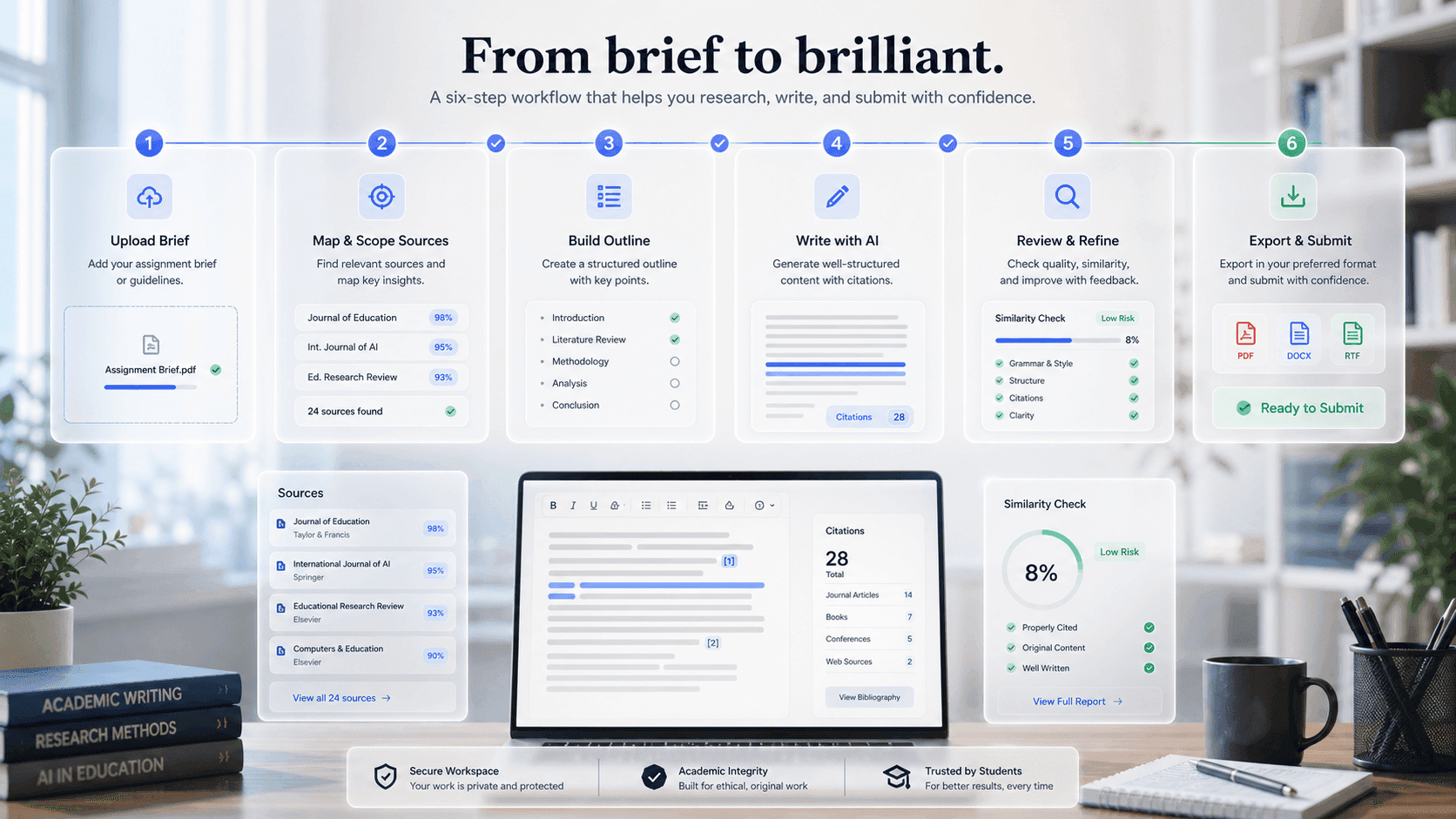
Add the assignment brief, rubric, deadline, and marking criteria so requirements stay attached to the workspace.
Upload readings, lecture notes, PDFs, and research URLs into a private project library.
Mindgrads maps requirements, tasks, and an academic structure from your brief before drafting begins.
Review section order, word targets, and milestones. Adjust the outline before you draft.
Work section by section with source-grounded tools on selected text—always editable.
Manage citations, run uploaded-source similarity preview, and export DOCX or PDF for your final review.
Ready workspace
Mindgrads keeps planning, source context, writing support, review, and export in one visible path.