
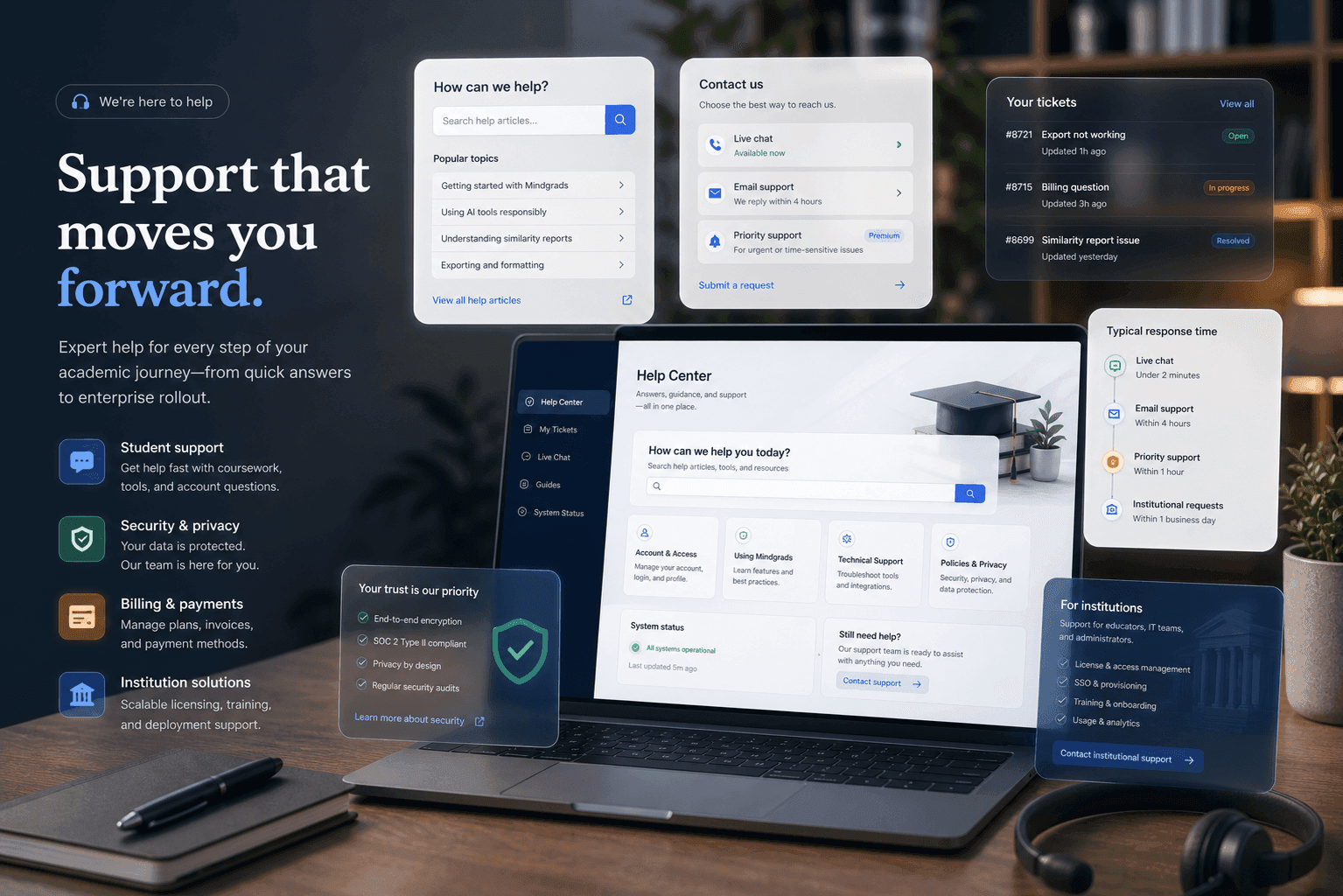
Help centre
Answers about your workspace, sources, and export.
Quick guidance for students starting with Mindgrads. For account-specific issues, contact support.
FAQ
Common questions before you start
What is Mindgrads?
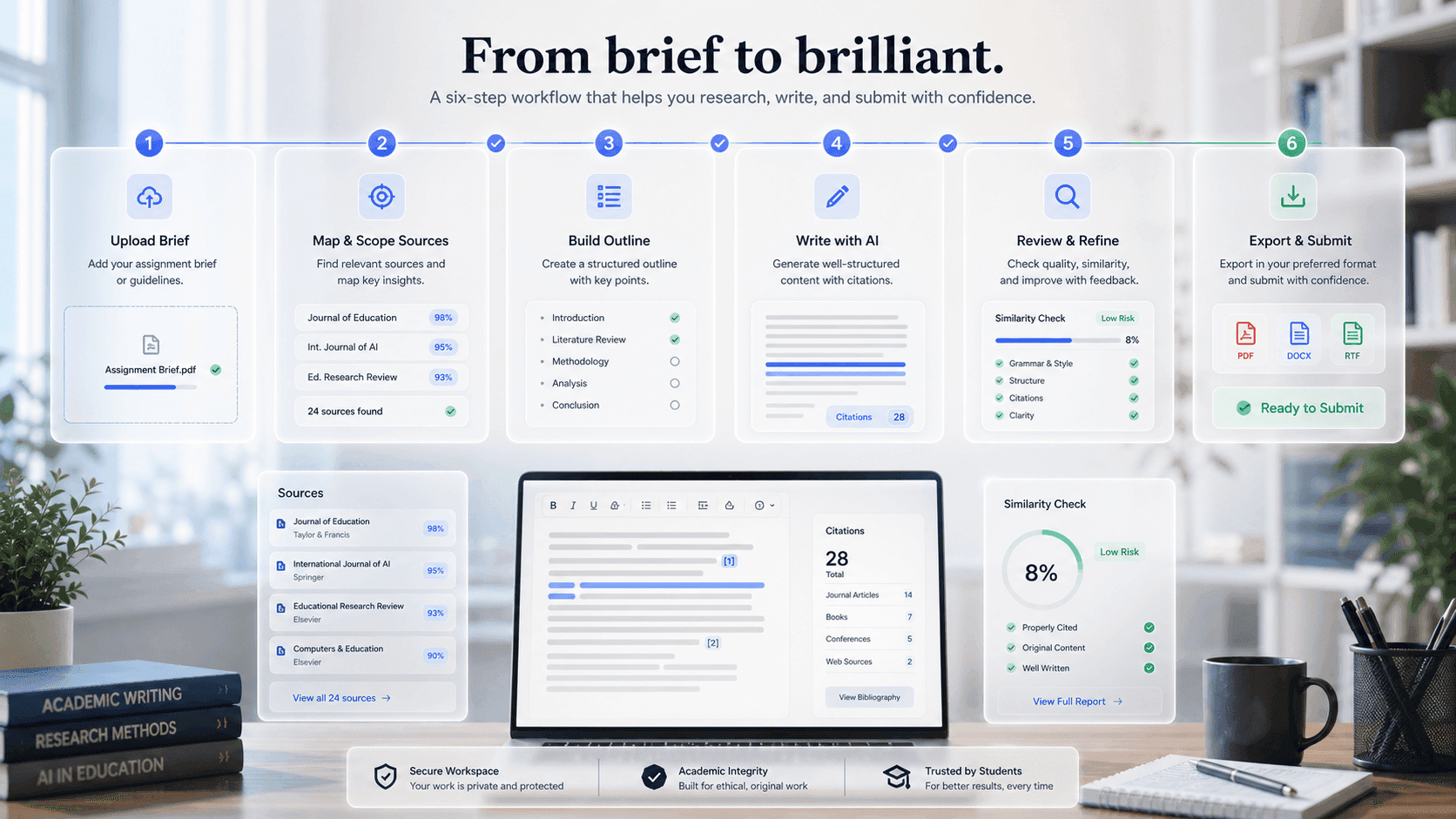
Mindgrads is an academic workspace for students. You upload your brief and sources, analyse the requirements, build and approve an outline, draft section by section with source context, manage citations, review similarity against your own uploads, and export — all in one connected workflow.
Is this the same as generic AI writing?
No. The workflow starts from your brief and your sources, and assisted actions are scoped to your project — not open-web content generation. You review and edit every section, so the work stays yours.
Who is it for?
Students working at Sixth Form / College, Undergraduate, and Masters level. The workspace adapts its structure and academic expectations to the level you select during onboarding.
How do credits work?
AI actions run on credits. The Free plan includes enough to try a full build, and each action shows its credit cost before you run it. Pro and Pro+ add a monthly credit allowance, and you can top up any time with credit packs. Failed generations are automatically refunded.
What can I export, and what does Free include?
Free exports a watermarked PDF so you can try the full flow. Pro adds clean PDF and DOCX; Pro+ adds Markdown. Citations can be formatted in APA, MLA, Harvard, Chicago, or IEEE.
Does Mindgrads replace official originality checkers?
No. The similarity preview compares against your own uploaded project sources only — it is not a plagiarism service. Always run your institution’s designated originality checker and follow its AI-use rules before submitting.
Who can see my uploads and work?
Your projects and files are private to your account. Uploads are stored in private buckets and served through short-lived, signed links — other users cannot access them.
Can I edit everything before export?
Yes. Structure, sections, citations, and the final document stay under your control in an editable workspace right up to export.
Can I cancel anytime?
Yes. Subscriptions run until the end of the current billing period and are managed securely through Stripe — no charges after you cancel, and your current plan stays active until it ends.
Still need help?
Visit the contact page for billing, uploads, or account questions. For legal and policy information, see our Terms, Privacy Policy, and Cookie Policy.
Contact supportSupport promise
Clear answers, responsible AI guidance
Help content focuses on what Mindgrads does in your workspace—not generic AI hype.
Explore more
Related resources
Ready workspace
Start with the brief. Leave with a review-ready workflow.
Mindgrads keeps planning, source context, writing support, review, and export in one visible path.