
Reference library
Keep project sources organised with metadata you control.
Citations
Add readings to your project library, manage citations while you draft, and export a bibliography aligned to your chosen style.
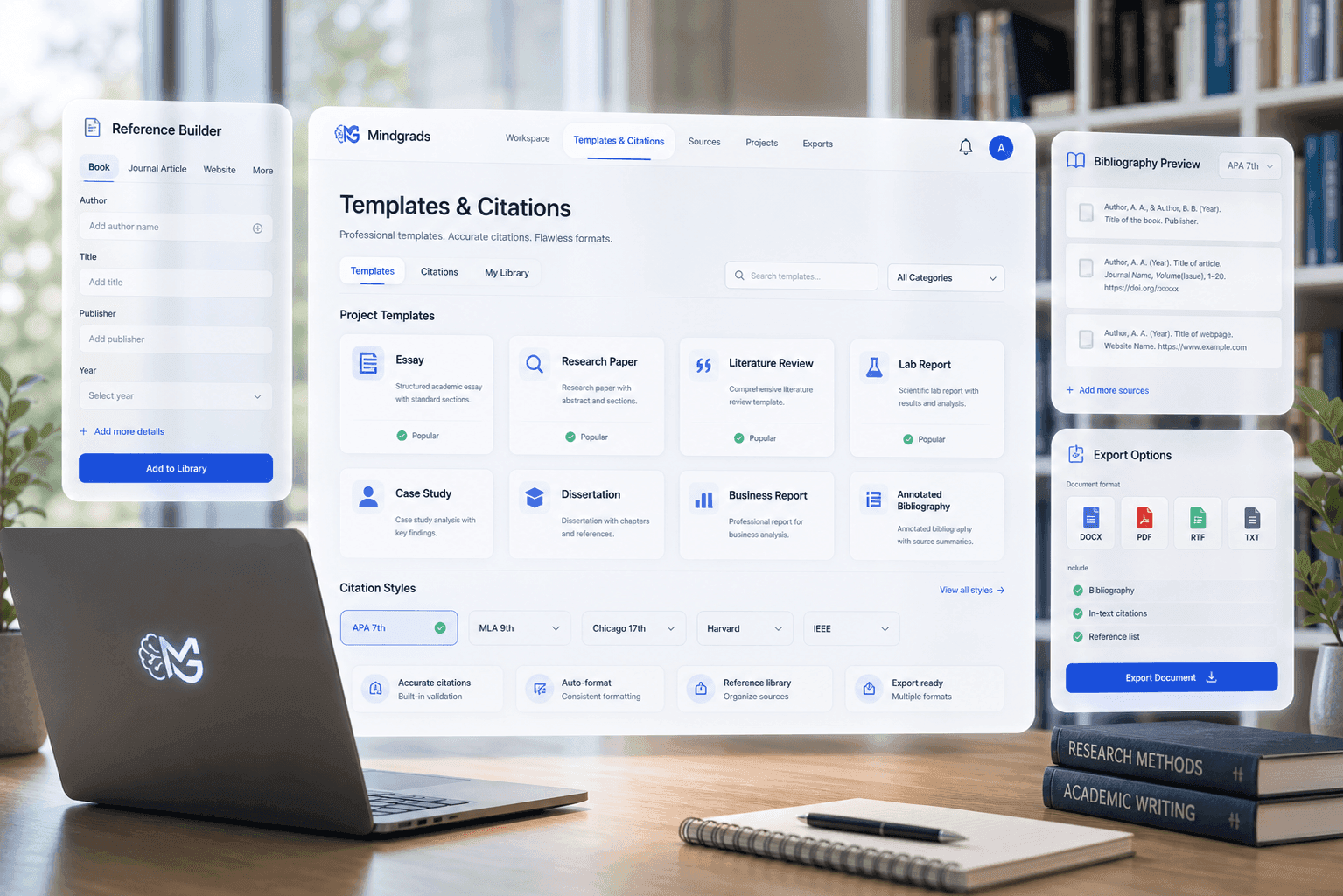
Supported styles
Mindgrads is designed to use sources you add and confirm. You review reference metadata before export.
In the workspace
Reference management is part of the assignment workflow—not a separate export step.
Keep project sources organised with metadata you control.
Insert citations while drafting without leaving the workspace.
Prepare reference lists for final DOCX and PDF export.
Product promise
References are designed to tie back to material in your project library. You review metadata before export.
Explore more
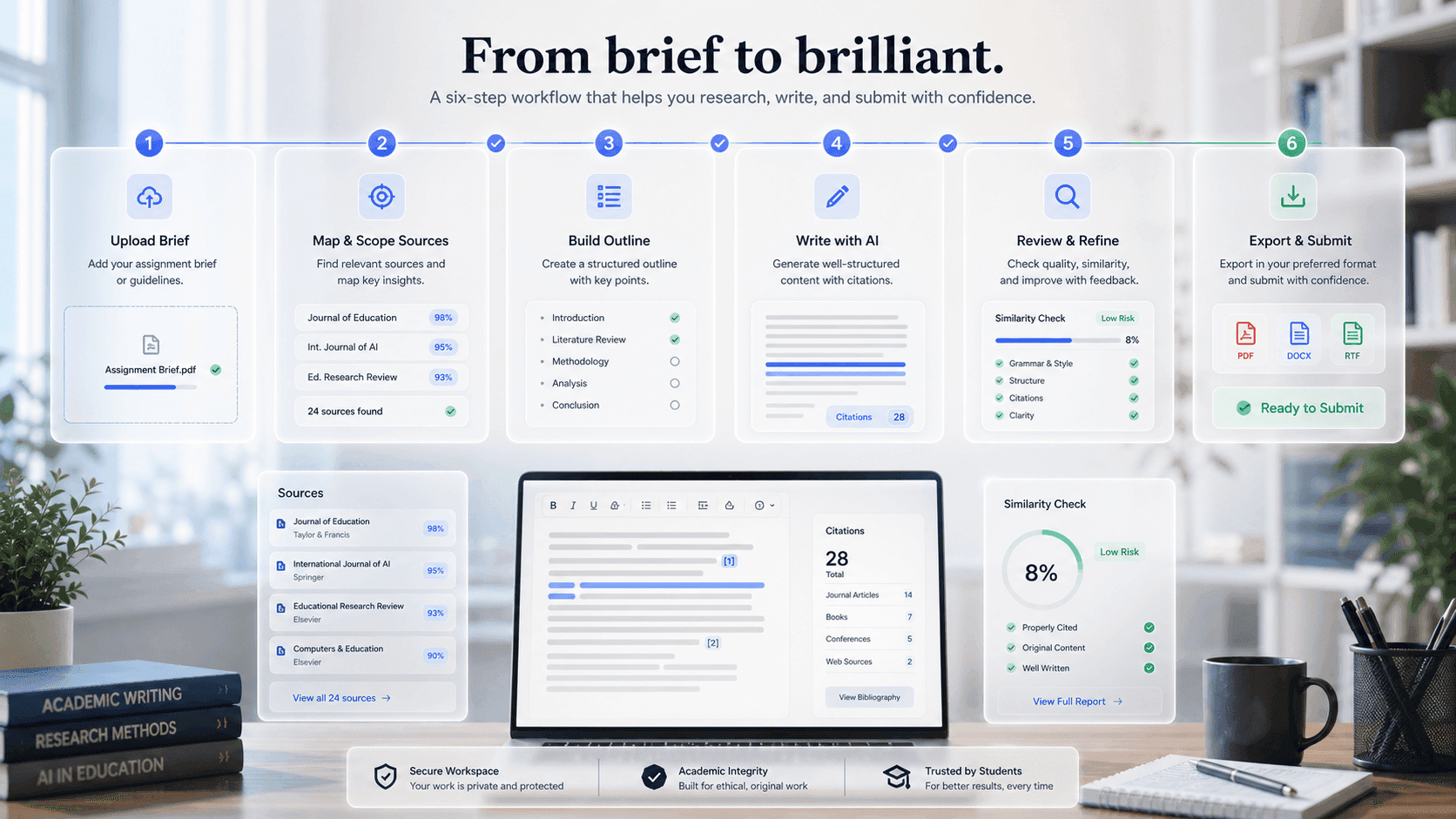
Ready workspace
Mindgrads keeps planning, source context, writing support, review, and export in one visible path.