 AI literacy
AI literacy
Source-grounded AI: what students should expect from academic tools
Why academic AI should start from your documents, not a blank chat box, and how to keep outputs accountable.
22 Mar 202611 min read
Read guide Integrity
Similarity preview is a drafting aid, not an institutional report. Here is how to use it properly.
Key takeaways
Similarity preview shows textual overlap between your draft and a defined corpus—typically your project library. It helps you find forgotten quote marks, weak paraphrases, and passages pasted without attribution before you export.
It is not an institutional originality certificate. It does not access global student paper repositories unless your university integrates such a service separately. Treat preview as a drafting mirror, not a guarantee of acceptance.
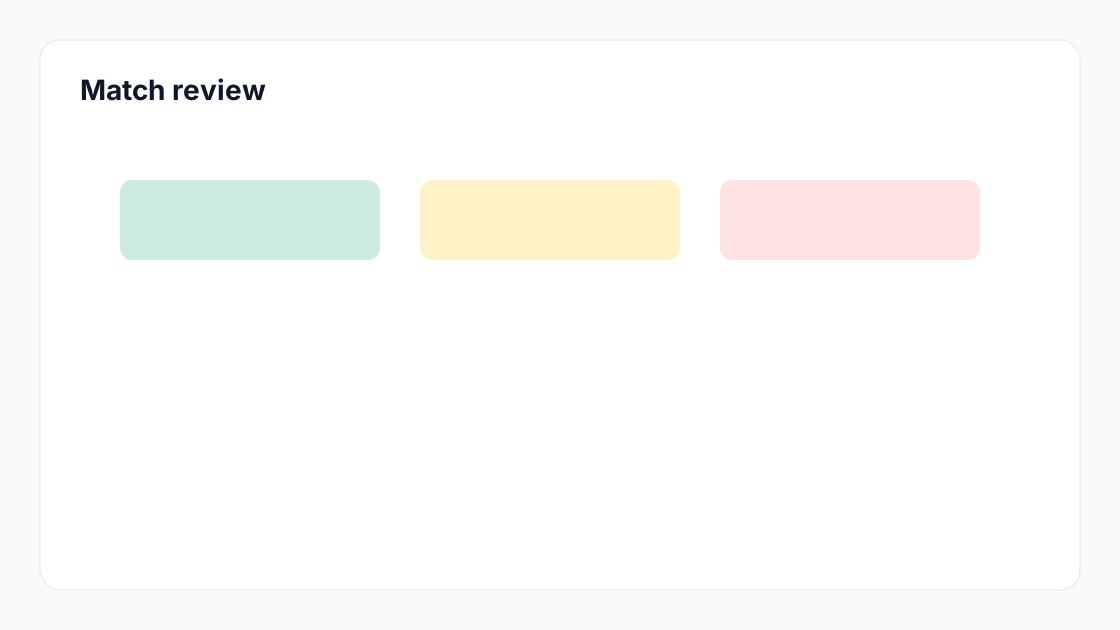
Colour blocks are clues, not verdicts. For each match ask: Is this a quote with marks and page number? A cited paraphrase? Common terminology in my field? Boilerplate methods text? Only uncited, unoriginal prose needs action.
Read integrity guidance: some programmes cap similarity, others prohibit AI-generated text regardless of score. Combine preview with disclosure rules and supervisor expectations. If unsure, ask before submitting.
The goal is accountable originality, not gaming a percentage.
Fix citation gaps first, then paraphrase where voice was lost, then re-run preview. One pass is rarely enough after major edits. Keep a short log of changes for your own audit trail.
Mindgrads compares drafts against uploaded project sources so you can spot overlap before export. Pair preview with citation tooling and source-grounded drafting—preview catches symptoms; good sourcing prevents causes.
Ask whether similarity reports are required pre-submission, which tool is official, and how AI disclosure forms interact with scores. Programmes differ; assumptions hurt.
If a cap exists, understand whether quotes and bibliography are excluded from calculation. If excluded, mark them properly rather than paraphrasing quotations to chase percentages.
Discuss group work policies early. Shared methods sections can legitimately match; shared uncited paragraphs cannot.
Treat preview as a teaching moment: each match teaches either citation discipline or paraphrase quality. Over semesters, your first-pass quality should improve.
Use similarity preview to improve integrity before submission: cite, revise, and verify—not to chase a number. Understand its scope, ignore cosmetic fixes, and rely on your institution’s official checker when required.
No. Mindgrads similarity preview compares your draft to sources you uploaded in the project, not institutional originality databases. Use your university’s designated system for official submission checks if required.
There is no universal safe number. Focus on whether unmatched passages are properly cited and whether uncited overlap is intentional quotation or sloppy paraphrase.
After a complete draft and citation pass, with time to revise. Running too early on partial drafts creates false confidence.
Yes—methods sections, definitions, and quoted legislation can score high while still being legitimate. Interpret matches, do not chase a target percentage.
Author
Mindgrads Editorial
Practical coursework guides from the Mindgrads team — academic workspace workflows, sources, and integrity-first writing.
Continue with workflows that complement this guide.
AI literacyAI literacy
Why academic AI should start from your documents, not a blank chat box, and how to keep outputs accountable.
 Citations
Citations
Use this checklist to reduce missing references, inconsistent styles, and weak evidence links.
 Study workflow
Study workflow
A practical method for extracting criteria, deliverables, evidence needs, and section goals before drafting.
Start your workspace
Mindgrads analyses your brief and sources, then helps you outline, work with source context, manage citations, review uploaded-source similarity, and export.